
Liveworksheets: Free Interactive Worksheets for the Classroom
Discover Liveworksheets, the free platform to create self-grading interactive worksheets. Perfect for teachers and students.
You spent an hour designing a worksheet in Word. You printed it, handed it out, your students filled it in with pen, and now you have 35 sheets on your desk waiting to be graded one by one. By the time you finish, a week will have passed and the feedback will arrive too late to make a difference.
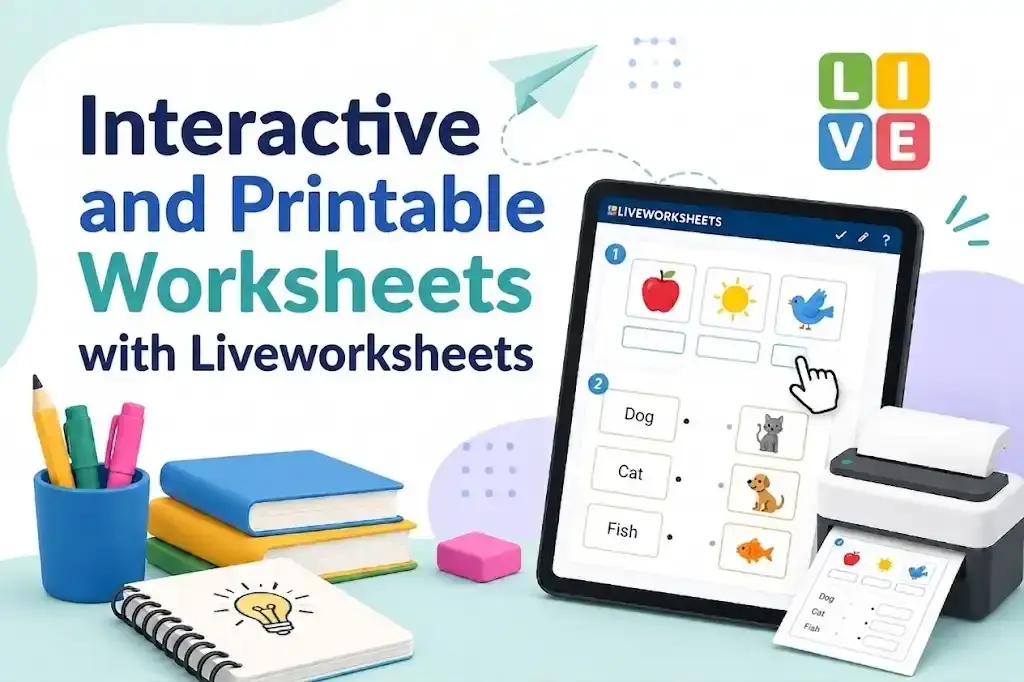
What if that same worksheet could grade itself, show students their mistakes instantly, and send you the results neatly organized in a table? That’s exactly what Liveworksheets does: it turns your traditional paper worksheets into interactive exercises with automatic grading — no coding or design skills required.
What Is Liveworksheets and Why Teachers Are Adopting It
Liveworksheets is a free web platform that transforms worksheets in PDF, JPG, or PNG format into interactive digital exercises. Students complete activities from any device with a browser — computer, tablet, or phone — and receive immediate feedback when they finish.
Unlike a Google Form or a fillable PDF, Liveworksheets supports exercise types that genuinely assess understanding: drag and drop, matching with arrows, multiple choice, fill-in-the-blank, listening to audio, and even recording voice responses.
The platform hosts over 300 million worksheets created by teachers worldwide, organized by language, subject, and grade level. You can use existing ones or create your own from any document you already have.
Key fact: Liveworksheets is available in over 50 languages and has a particularly active community in Spanish and English, meaning thousands of ready-to-use worksheets for your subject without translating anything.
How It Works: From Static Worksheet to Interactive Exercise in Minutes
The creation process is surprisingly simple. You don’t need technical skills — if you can use a word processor, you can create interactive worksheets on Liveworksheets.
Step 1 — Upload Your Existing Worksheet
Prepare your worksheet as you normally would: in Word, PowerPoint, Canva, or any tool. Export it as PDF, JPG, or PNG and upload it to the platform.
Liveworksheets converts each page into an editable canvas where you can place interactive zones.
Step 2 — Add Response Zones
Here’s where it gets interesting. On top of your worksheet, you place invisible text boxes where students will type their answers. Inside each box, you define the correct answer.
The system uses a simple syntax. For example:
| Syntax | Function |
|---|---|
answer |
Exact answer (single valid response) |
answer1/answer2 |
Multiple acceptable answers |
select:yes/no/maybe |
Dropdown menu |
choose:option1/option2/option3 |
Multiple choice |
drag:group1 |
Drag and drop to a zone |
join:1 |
Connect elements with lines |
speak:text |
Oral response (speech recognition) |
No code or advanced setup needed. It’s a tag-based system you can learn in minutes.
Step 3 — Publish and Share
Once created, you can share the worksheet in several ways:
- Direct link to send via email, messaging apps, or your school platform
- Embed code to insert into Google Classroom, Moodle, or your website
- Digital workbook to group multiple worksheets by topic or unit
- Printable version for anyone who needs a paper copy
Students don’t need to create an account to complete the worksheet — they just open the link and start.
Exercise Types You Can Create (Beyond Fill-in-the-Blank)
Liveworksheets’ versatility goes far beyond typical blank spaces. These are the available activity formats and when each one works best:
Text and Selection Exercises
- Fill-in fields: Students type the answer. Ideal for vocabulary, formulas, or definitions.
- Multiple choice: Options with one or several correct answers. Great for quick assessments.
- Dropdown menus: Select from a list. Perfect for classifications or categories.
- True/False: Classic format with instant grading.
Visual and Interactive Exercises
- Drag and drop: Move elements to the correct zone. Excellent for maps, diagrams, or sequences.
- Match with arrows: Connect related concepts. Works well for bilingual vocabulary or cause-and-effect relationships.
- Color zones: Paint specific areas of an image. Useful in geography, anatomy, or art.
- Word puzzles: Interactive word searches and crosswords generated automatically.
Multimedia Exercises
- Listen to audio: Insert an MP3 and students answer questions about what they heard. Ideal for listening comprehension in language classes.
- Record voice: Students record their oral response. Perfect for pronunciation or short presentations.
- Watch video: Insert a YouTube video and add questions about the content.
Practical tip: Combine multiple types in a single worksheet. For example, an English language worksheet can include an audio clip to listen to, multiple choice questions, and a vocabulary drag-and-drop exercise — all on the same page.
Liveworksheets vs Other Digital Worksheet Platforms
If you already use digital teaching tools, you’re probably wondering how Liveworksheets compares to alternatives you know. This table summarizes the key differences:
| Feature | Liveworksheets | Google Forms | Wordwall | Kahoot |
|---|---|---|---|---|
| Auto-grading | Yes, instant | Yes (forms only) | Yes | Yes |
| Exercise types | 12+ interactive formats | Text and selection only | 30+ game templates | Real-time quiz |
| Existing worksheet library | 300M+ shared worksheets | N/A | Limited community | Kahoot library |
| Audio and voice | Yes (listen + record) | No | No | Host audio only |
| Grade tracking | Yes, with digital workbook | Yes (Sheets) | Limited on free plan | Yes |
| No student account needed | Yes | Depends on config | Yes | Requires app or web |
| Price | Free (with premium plan) | Free | Limited free + premium | Limited free + premium |
| Best for | Practice worksheets & homework | Surveys and assessments | Live in-class games | Real-time competitions |
Liveworksheets’ main advantage is that it starts from your existing worksheets. You don’t begin from scratch with a generic template — you use the material you’ve already prepared and add the interactive layer on top.
If you’re looking for real-time gamification for in-class dynamics, Wordwall is an excellent complement. And if you want your students to practice coding in a gamified way, Coddy fills that gap with 5-minute lessons on their phone.
Free Plan vs Premium Plan: Is It Worth Paying?
Liveworksheets offers a functional free plan and three paid tiers. Here’s what each one includes:
Free Plan
- Create up to 10 interactive worksheets
- Access and use the 300M+ community worksheets
- Share via link or embed code
- Automatic grading
- Create 1 digital workbook to group worksheets
For a teacher who wants to try the platform or only needs occasional worksheets, the free plan is enough.
Premium Plans (starting at ~$3.50 USD/month)
- Unlimited worksheets
- Unlimited workbooks
- Advanced student tracking with grades
- Create student groups
- Private worksheets (not visible in the public library)
- Download results in Excel/CSV
- Ad-free experience
Is it worth it? If you use Liveworksheets as a regular part of your lesson planning — say, one worksheet per week — the premium plan pays for itself quickly. Grade tracking and unlimited workbooks save hours of administrative work. If you only create worksheets sporadically, the free plan is sufficient.
How to Get the Most Out of It in the Classroom
The tool alone doesn’t transform your class — how you integrate it does. These are the uses that work best depending on the educational context:
For Homework and Practice
Share the worksheet link via email or your school platform. Students complete it on their phone, get their score instantly, and you see the results without grading manually. Ideal for reinforcing what was covered in class.
For Formative Assessments
Use worksheets as a quick diagnostic at the start of a unit or as a closing activity to verify understanding. Since they grade themselves, you get immediate data on which topics need review.
For Students with Special Needs
Interactive worksheets allow you to include audio, images, and drag-and-drop exercises that work better than plain text for students with reading difficulties or those who learn better visually.
For Flipped Classroom
Assign worksheets with video and questions before the in-person session. Students arrive with the content reviewed, and class time is dedicated to solving doubts and going deeper.
For Foreign Languages
The combination of audio exercises, voice recording, and interactive vocabulary makes Liveworksheets an especially powerful tool for language teaching.
Limitations You Should Know Before Getting Started
No tool is perfect, and Liveworksheets has constraints worth keeping in mind:
- Outdated editing interface: The worksheet editor works but isn’t intuitive. The learning curve for placing response boxes takes practice — your first attempts may be a bit frustrating.
- Limited visual design: You can’t customize the appearance of interactive elements much. If you’re used to more polished platforms like Canva, the look may feel basic.
- 10 worksheets on the free plan: For teachers who create material constantly, the limit is reached quickly. However, you can use millions of worksheets created by others without restriction.
- Internet dependency: Worksheets require a connection to be completed. There’s no offline mode.
- Rigid text grading: If a student types “United States” and the correct answer is “US,” it will be marked wrong. You need to anticipate variations using the
answer1/answer2syntax.
Pro tip: Before assigning a worksheet, complete it yourself as if you were a student. You’ll catch configuration errors, alternative answers you didn’t consider, and formatting issues you can fix before they become complaints.
Your Next Worksheet Can Be Ready in 10 Minutes
The workflow is simpler than it sounds: take your usual worksheet, upload it to Liveworksheets, place response boxes using the basic syntax, and share the link. Your students complete it from any device, get instant feedback, and you have organized results without grading a single sheet by hand.
You don’t need to abandon your current materials or learn an entirely new platform — just add an interactive layer to what already works.
Head to liveworksheets.com, upload your first worksheet, and see how the dynamic changes when exercises grade themselves. And if you want to complement your worksheets with science simulations in the classroom, explore what PhET offers with its 160+ free simulations.
CuriosoTech Team
Equipo editorial de CuriosoTech. Preparamos guías de tecnología y educación con fuentes oficiales y las actualizamos cuando algo cambia.
Tags
Comments